
Build a CLI tool in Rust
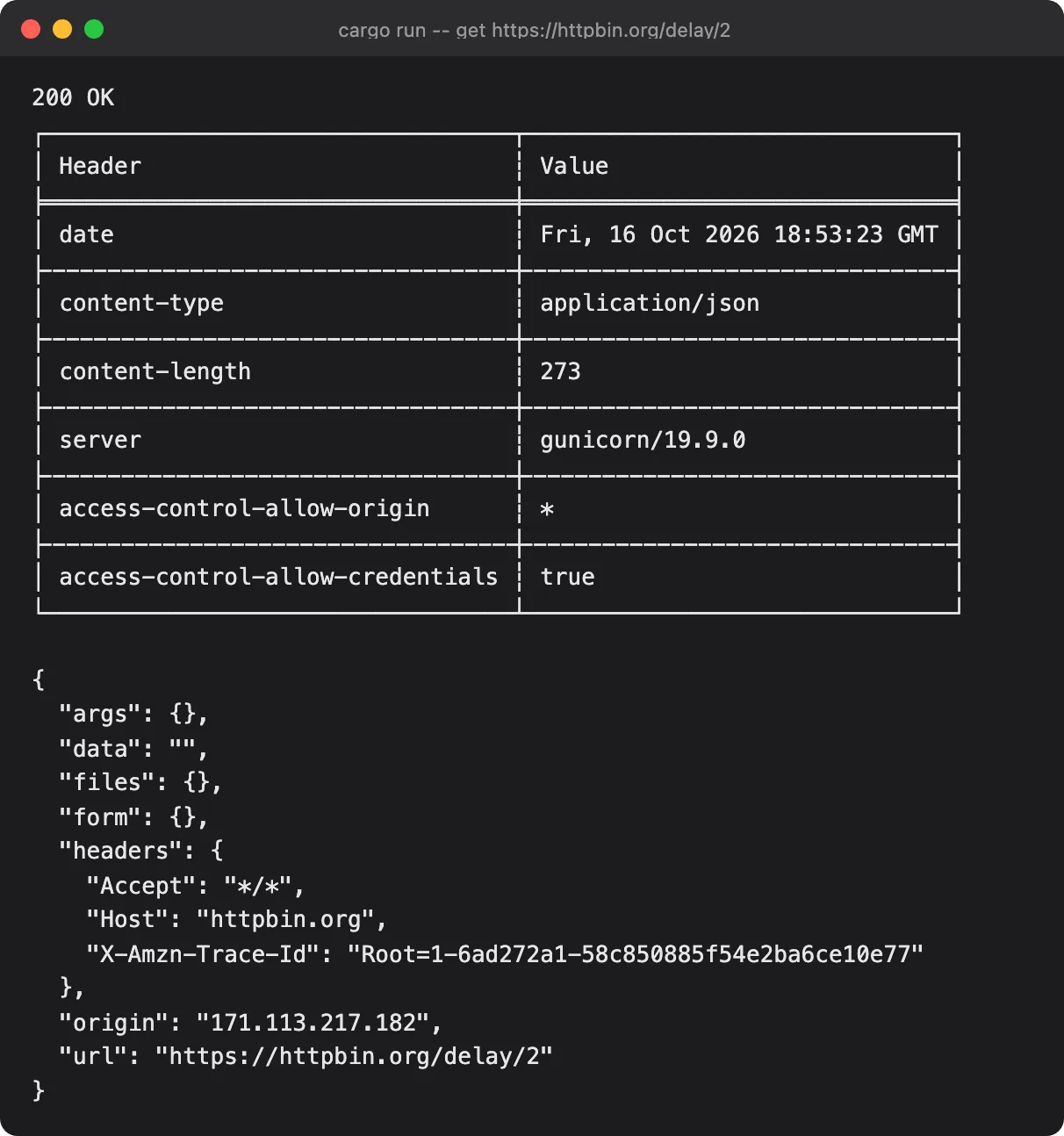
What you end up with: hit, a command-line HTTP client you would actually use — subcommands,
request headers and bodies, a config file, coloured and JSON output, and a release build you can hand
to someone else.
Command-line tools are where most people write their first real Rust, and for good reason: no async
runtime to fight with at the start, no framework abstractions, and the feedback loop is a single
cargo run. By the end of the track you will have used half the crates that show up in every Rust
CLI: clap, reqwest, serde, anyhow, indicatif.
What you’ll build
Section titled “What you’ll build”hit get https://example.com— send a request, print a readable response- Subcommands (
get,post,header) modelled as Rust enums --jsonoutput for piping intojq- A
~/.config/hit/config.tomlfile with environment-variable overrides - Tests: unit tests, integration tests, and snapshot tests for output
- A signed, cross-compiled release binary and a Homebrew formula
Before you start
Section titled “Before you start”You need Rust installed (rustup.rs if it is not) and a rough idea of what ownership does. If either is shaky, start here:
- Cargo and project layout — crates, modules, dependencies, and where everything lives
- Ownership and borrowing — reading the first four articles is enough
- Option, Result, and error handling —
?,Result, and whenunwrap()is fine
No async experience required — the track introduces it where it is actually needed.
Articles
Section titled “Articles”- What we’re building: hit, a command-line HTTP clientthe finished tool, then the route to it
- Setting up a Rust CLI projectcargo new, layout, and the first dependency
- Parsing command-line arguments with clapderive, subcommands, and repeatable flags
- Making a real HTTP request with reqweststatus, headers, body, and a timeout that works
- Handling errors without panickinga custom error type and messages worth reading
- Colour, tables, and readable outputstatus-code colours and headers as a table
- Showing progress for slow requestsa spinner that appears only when it should
- Reading defaults from a config file~/.hit.toml with serde and directories
- Saving and reusing requestshit save and hit run, stored as JSON
- Making it fast: async with tokioconcurrent requests and joining the results
- Testing a CLI without a networkassert_cmd plus a mock server in CI
- Shipping it: release builds and installersrelease profile, stripping, multi-platform binaries
Where the code lives
Section titled “Where the code lives”cli-tool/ in the examples repository — each
article links to the tag that matches its finished state.